Time machine
for Ableton
Every save becomes a version you can restore, compare, and send to anyone with a link. Quietly, in the background, from the first kick to the master.
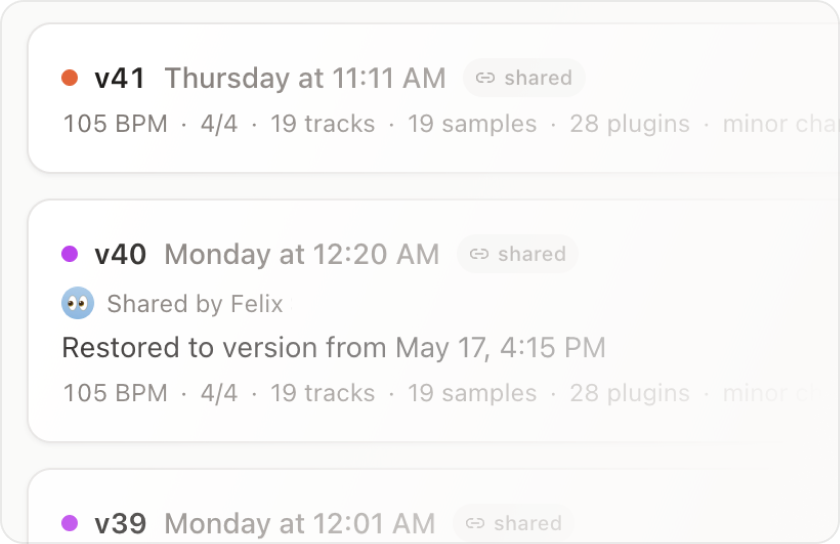
No more “real-final-v2.als”. Every save is automatically a clean version. The folder of duplicates ends here.
Never lose samples. Samples get captured when you save. Nothing goes missing, even years later.
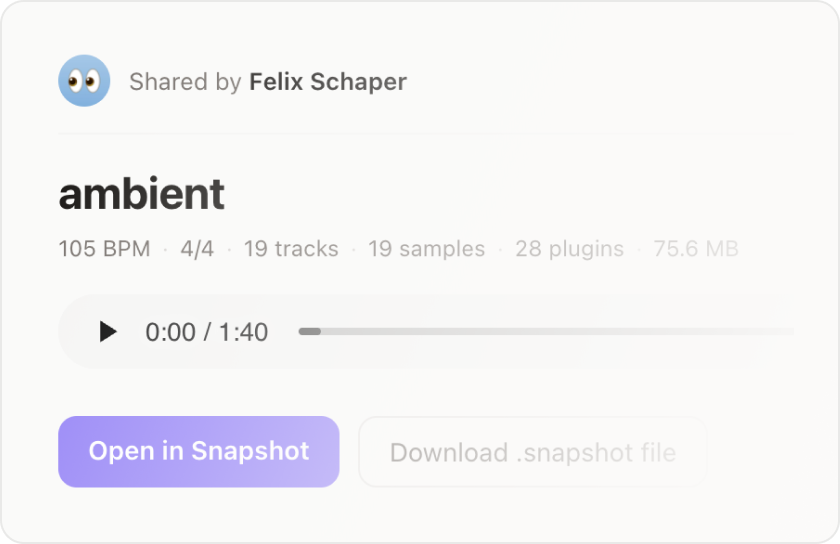
Finally, real collaboration. Send a working session in one link. Opens in their Ableton, sample-perfect.
Everything you save,
kept safe
Snapshot watches your projects folder, captures every save as a version you can come back to, and turns any of them into a link you can send.
Auto-snapshots
Every save in Ableton becomes a version. Add a note when one is worth remembering.
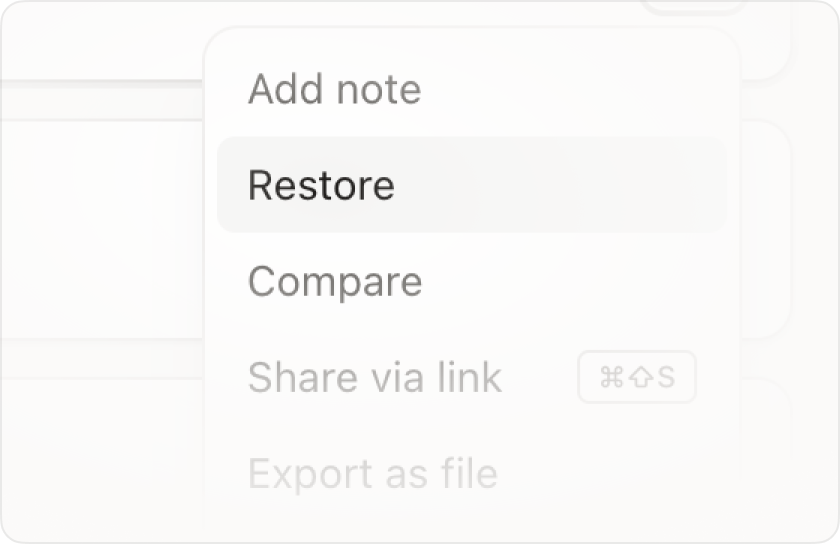
Restore in seconds
Roll back to any past version. Samples come back to their original folders too.
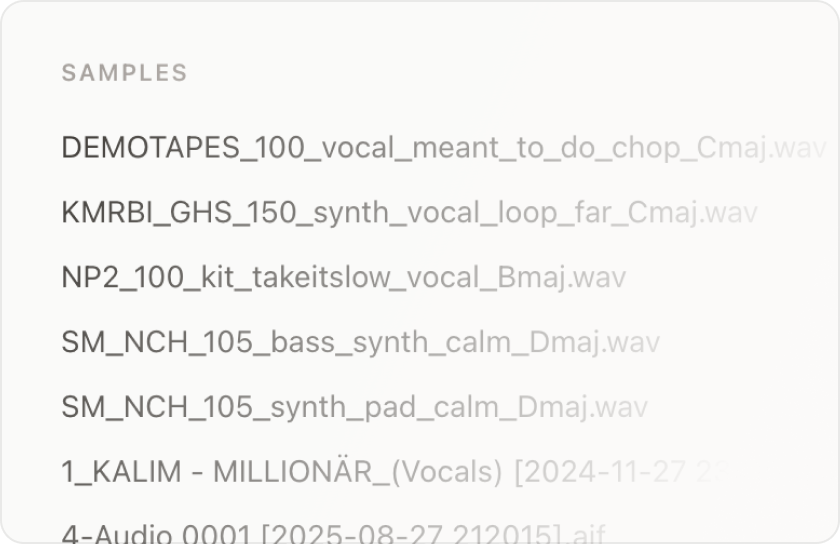
Never lose samples
Every sample is captured the moment you save. Nothing gets missing, even a year later.
Send a working session
One link carries the .als, samples, plugins, and a bounced preview. Opens in their Ableton.
Stop saving "final-FINAL-mix-2.als"
Every producer knows the moment. You save as “final.als”, then “final-actually.als”, then “final-real-this-time.als”, and three days later you can't remember which one had the good kick. It fu****** suuuucks.
I made an app to fix that. Every time you save in Ableton, your project automatically becomes a new version. You can come back to any version any time and everything gets organized perfectly in the background.
On top of that, with Snapshot you will never EVER lose a sample again. Anything that remotely touches your session is captured and organized the moment you save. Open a project from a year ago and everything's still there, EXACTLY where you left it.
And cherry on top: the whole thing is collaborative. One link sends the entire working session to anyone, sample-perfect.
One simple plan
No tiers, no per-project metering, no upsells. Everything, for one flat price.
7-day free trial.
No credit card required.